AI for Local Government, Tested on One Upgrade
The council
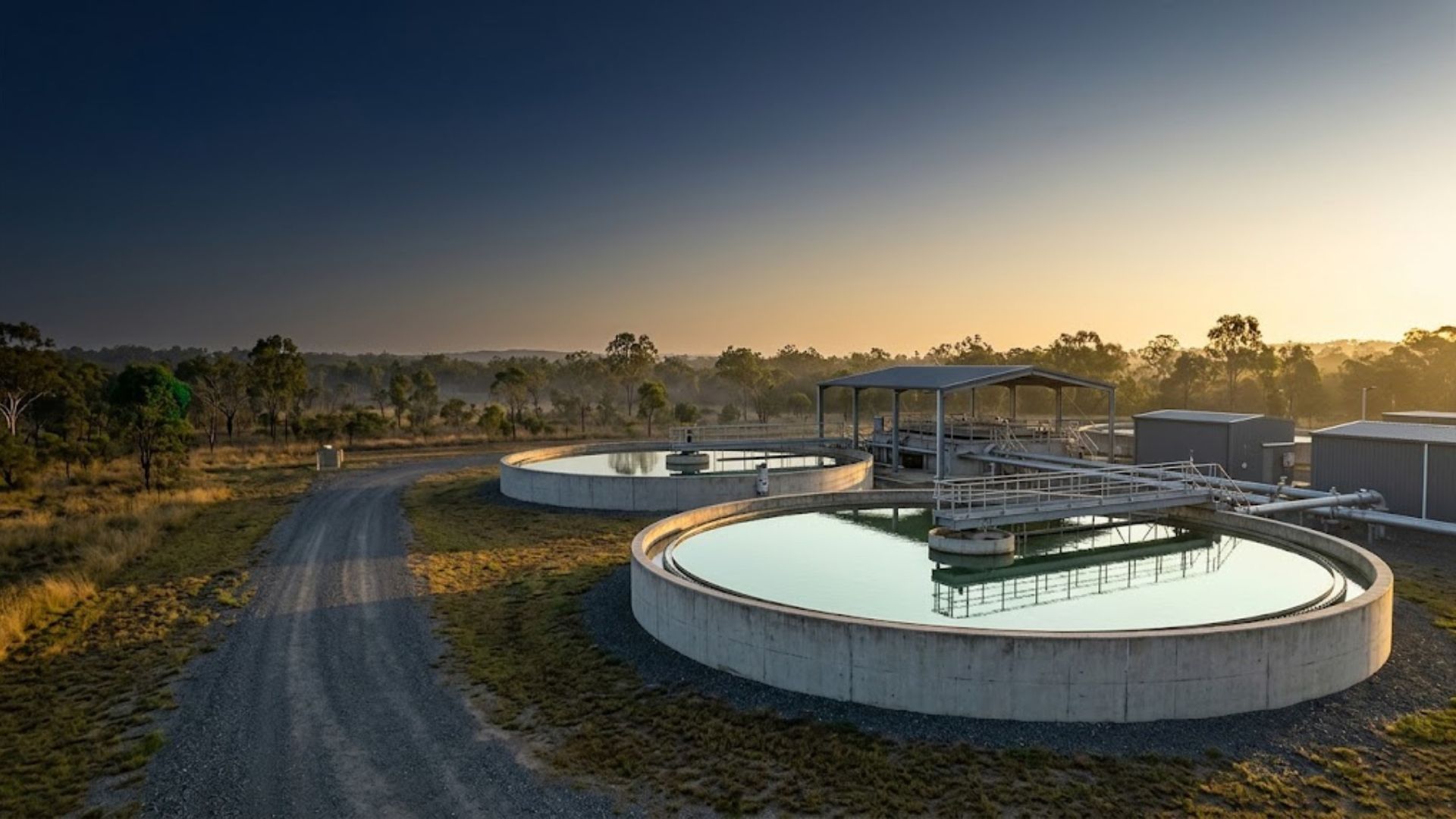
Coralvale Regional Council serves a regional Queensland city of 68,000 residents across 5,480 km². Its Ridgeback Creek Water Treatment Plant runs on a single 1980s clarifier train, manual dosing and no standby. The plant is rated IPWEA NAMS+ Condition Grade 4, the level at which replacement planning cannot wait.
In June 2026 Council resolved to fully automate the plant and lift firm capacity to 25 megalitres a day. Capital cost is capped at $18.5M ex-GST: $13.5M in Long Term Financial Plan borrowings and a $5.0M Works for Queensland grant. Practical Completion is locked to the grant deed at 15/12/2027, so every week lost to paperwork comes off the construction window.
Ten documents, one officer
That one decision sets off ten documents: a council report, business case, briefing note, project brief, risk register, community engagement plan, scope of works, grant application, terms of reference for the project control group and a project mandate. One officer, the Manager Capital Delivery, owns all ten.
The Paperwork Sits on the Critical Path
Ten documents means ten blank pages. The same facts, such as the budget, the grant, the deadline and the options Council rejected, get typed again and again, and each retyping is a chance for a figure to drift.
Speed is only half the problem. When an audit committee asks where a number came from, the officer needs an answer. A draft pasted out of a chat window has no record of what was asked, what was assumed or what was left out.
"The risk is not that the draft reads badly. The risk is that nobody can show where a sentence came from."
Answer Once, Generate Ten
- Interview. The officer answers the council and project questions once, by voice or by typing.
- Decisions and lookups. Council's resolved decisions and the officer's own research findings are recorded, so no document reopens them.
- Document Studio. Each document asks only for what it still needs. Answers are stored once and reused, so later documents ask for less.
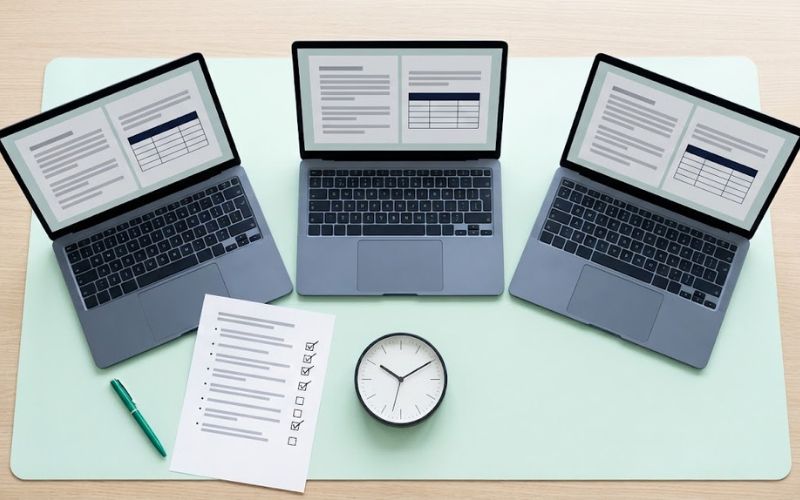
- Generate. Council Light builds one prompt per document. The officer pasted each into Claude Opus 5.5, working across three browser tabs.
Council Light builds the prompt. It does not run, host or contain an AI model. The officer chooses the AI, and Council's own policies govern that choice.
31 Minutes to Generate. About an Hour End to End.
The officer started at 6:43 am and saved the last file at 7:14 am. Allow 30 minutes for the questions and the whole job takes about an hour, finishing well before lunch.
| Document | First file saved | Minutes in |
|---|---|---|
| Briefing Note | 6:50 am | 8 |
| Council Report | 6:52 am | 10 |
| Business Case | 6:53 am | 10 |
| Project Brief | 6:58 am | 16 |
| Risk Register | 7:00 am | 17 |
| Community Engagement Plan | 7:01 am | 19 |
| Grant Application | 7:07 am | 24 |
| Scope of Works | 7:09 am | 27 |
| Terms of Reference | 7:10 am | 27 |
| Project Mandate | 7:14 am | 31 |
Council Light also works on Microsoft 365 Copilot. There the officer runs two prompts per document in one tab, and an earlier full run took about 78 minutes end to end. Different method, same audit trail.
One run, one fictional dataset, one officer, three tabs. Times include pasting prompts and saving files.
First the Working Paper, Then the Council Document
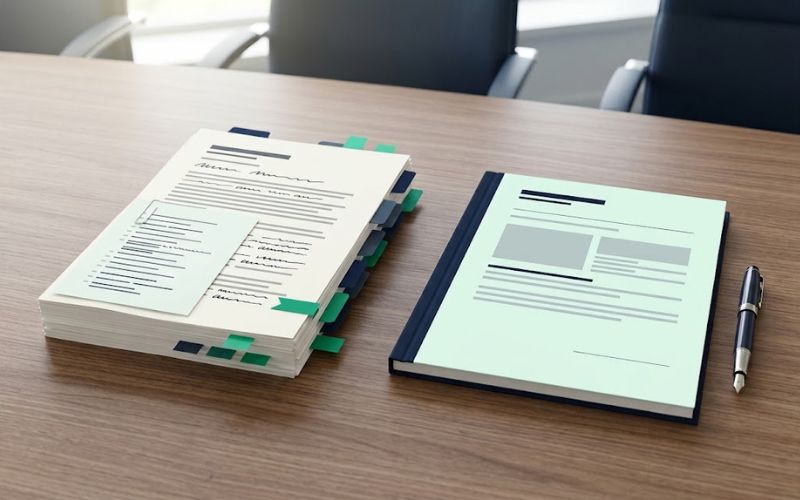
Every document is built in two stages. First, a Preparation document: the working paper the audit committee can read. Then the Final document: the clean version Councillors read.
Preparation document (internal)
- Eight fixed sections, from run details, conflict of interest and statutory anchors to review findings and sign-off
- Every fact listed with where it came from
- Ends with an unsigned sign-off block
Final document (for Council)
- Exactly the sections that document type requires, in order
- Plain English, with no mention of how it was prepared
- Gaps written as [VERIFY] in a full sentence
In the Coralvale Business Case the economic appraisal comes from the tool, not the AI: a Net Present Value of $1,246,000 and a Benefit-Cost Ratio of 1.07 at Queensland's 7% central discount rate. The Final states these figures exactly and calls the result "positive but narrow".
Across all ten documents, every required section is present and every Final came in above its minimum length (104% to 161%). No document invents a missing fact: each gap is written as a sentence such as "The decision-maker for this matter is [VERIFY]."
A Panel Writes It. A Sceptic Reviews It.
Each document type has its own panel of specialist roles. Across the ten types there are 30 drafting seats, 6 review seats and 40 editorial passes. A drafting seat writes the sections it owns. A review seat is set against one drafting seat and looks for the weak point in its work.
The panel never appears in the council document. Its work sits in the Preparation document, where the audit committee can read it.
Every Fact Has an Address
The Preparation documents hold 535 source-register rows. Each row records one fact, the section that used it, where it came from, the date and its status. For example:
| Fact | Section used | Source | Date | Status |
|---|---|---|---|---|
| Funding: $5.0M Works for Queensland grant | Executive Summary; Cost-Benefit; Risk | Module M3 | 25/09/2026 | User Entered |
Anything the officer has not supplied is flagged [VERIFY] and listed with the section that needs it: 406 flags across the ten Preparation documents. The file names follow one pattern, such as Business_Case_Final_Coralvale_Regional_Council_2026-09-25, and their timestamps rebuild the run minute by minute.
Every Preparation document ends the same way: "This document is not accepted until the officer named above has signed it." The AI never signs.
Built Around Standards. Clear About Data.
Standards
| Standard | How Council Light applies it |
|---|---|
| ISO/IEC 42001:2023 | Aligned with its control objectives: every run records the AI system and account used, and a named officer signs off. |
| ISO 31000:2018 | The Risk Register uses cause, event and consequence, rates every control and names one owner per action. |
| ISO 9001 | Informed by its quality principles: logged decisions, tested builds and a find, fix and re-run loop (see below). |
Data and the AI you choose
- The tool sends nothing. It runs in the browser with no server, database, API call or tracking. Answers are stored on the officer's own device and can be exported to a file the officer keeps.
- The AI is Council's choice. What you paste into an AI service is governed by that service's terms and your council's AI, privacy and records policies. In Queensland, pasting into an overseas service is Council's disclosure under QPP 8 of the Information Privacy Act 2009 (Qld).
- Type rather than speak, and remove names. Most documents need no named individual.
Found, Fixed, Proven
The first Claude run left 13 bare lines like "Key stakeholders: [VERIFY]." in seven council documents. A Councillor should read a full sentence, not a form field. The scorer caught it and traced the cause: the rule against that form reached the two-prompt method but not the one-prompt method used here.
Build 76 closed the gap the same morning. The re-run produced none. That loop of test, find, fix and re-run is how Council Light is maintained.
What This Shows About AI for Local Government
It shows
- A complete set of ten council documents and their working papers in about an hour
- Every fact traced to a source, and every gap flagged rather than filled
- A defect found, fixed and re-tested within a day
It does not show
- That the documents are the right decision for any council. That judgement stays with the officer and Council
- That every run will match these times. This is one run, one dataset and one officer
- That a personal AI account is suitable for council work. It is not
Open Every File
All 20 files from the run, unedited apart from the fictional names. Each document has its Preparation working paper and its Final council document, in PDF and Word. New to the tool? Start with the Council Light Quick Start guide.
Council ReportOfficer recommendation to Council
Business CaseOptions, NPV and Benefit-Cost Ratio
Project BriefScope, milestones and governance
Risk RegisterCause, event, consequence; one owner per action
Community Engagement PlanConsult level, cohorts and channels
Grant ApplicationWorks for Queensland co-contribution
Scope of WorksInclusions, exclusions and hold points
Frequently Asked Questions
How are councils using AI for local government documents?
Most councils start with drafting: reports, briefing notes and plans that follow a set structure. The risk is traceability, not speed. In this case study an officer used Council Light to build one prompt per document and Claude to write it. Each council document came with a working paper that lists every fact, its source and every gap, so the audit committee can check the draft.
Which AI did this case study use?
Claude Opus 5.5 on claude.ai, in three browser tabs, with one Twin-Pair prompt per document. Council Light also supports ChatGPT, and Microsoft 365 Copilot through a two-prompt method. An earlier full Copilot run took about 78 minutes end to end. The prompts are the same across engines; the account and the AI are the council's choice.
Which AI account should our council use?
Use your council's enterprise or business account, such as Claude Team or Enterprise, or Microsoft 365 Copilot on your council tenancy. This test used a personal Claude Max account with fictional data only. Personal accounts are not suitable for council information, and the tool shows a cross-border disclosure notice when one is selected.
Does Council Light send our information anywhere?
The tool itself sends nothing. It runs in your browser with no server, database, API call or tracking, and stores answers only on your device. The AI service you paste the prompt into is a separate system. What you may put into it is governed by your council's AI, privacy and records policies and, in Queensland, by QPP 8.
Which standards does Council Light follow?
It is aligned with the control objectives of ISO/IEC 42001:2023: every run records the AI system and account used, and a named officer signs off. The Risk Register follows ISO 31000:2018 structure, and the product is maintained using ISO 9001 quality principles. Council Light holds no certification. It is a prompt builder, not an AI system.
Who signs the documents?
A named council officer. Every Preparation document ends with an unsigned sign-off block naming the officer, and the prompt tells the AI never to complete it. The Final document does not replace the officer's judgement: gaps are written as [VERIFY] so they are resolved before the document goes to Council.
How long does it take to produce ten council documents?
In this run, 31 minutes to generate all ten documents and their working papers across three browser tabs, plus about 30 minutes to answer the questions: roughly an hour end to end. Times include pasting prompts and saving files. Your times will depend on the AI service, the number of tabs and how many answers you already hold.
What does Council Light cost?
Council Light is free to use, with no account and no sign-up. You need access to an AI service, ideally your council's enterprise account. Consultancy Done Differently offers scoping calls for councils that want help rolling it out across a team, starting with the documents your officers write most often.